
iPhone & iPad
How to Install TestFlight
TestFlight ထည့်သွင်းပြီး Channel Mingalar iOS app install လုပ်ရန် လမ်းညွှန်
Follow these steps to install TestFlight first, then install Channel Mingalar from the public TestFlight page.
အောက်ပါအဆင့်များအတိုင်း TestFlight ကို အရင်ထည့်သွင်းပြီး Channel Mingalar iOS app ကို install လုပ်နိုင်ပါသည်။
Open TestFlight1 Get TestFlight
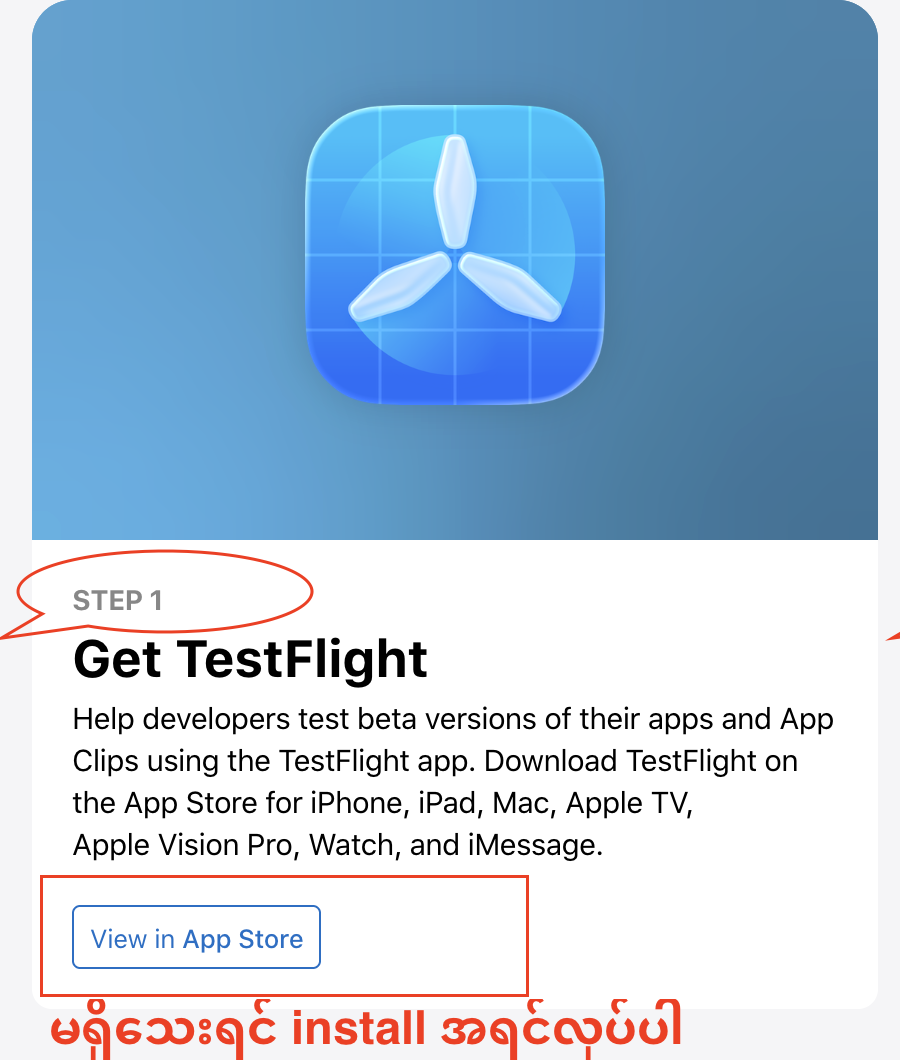
Install TestFlight from the App Store first if it is not already installed on your iPhone or iPad.
သင့် iPhone / iPad တွင် TestFlight မရှိသေးပါက App Store မှ TestFlight ကို အရင် install လုပ်ပါ။
2 Install Channel Mingalar
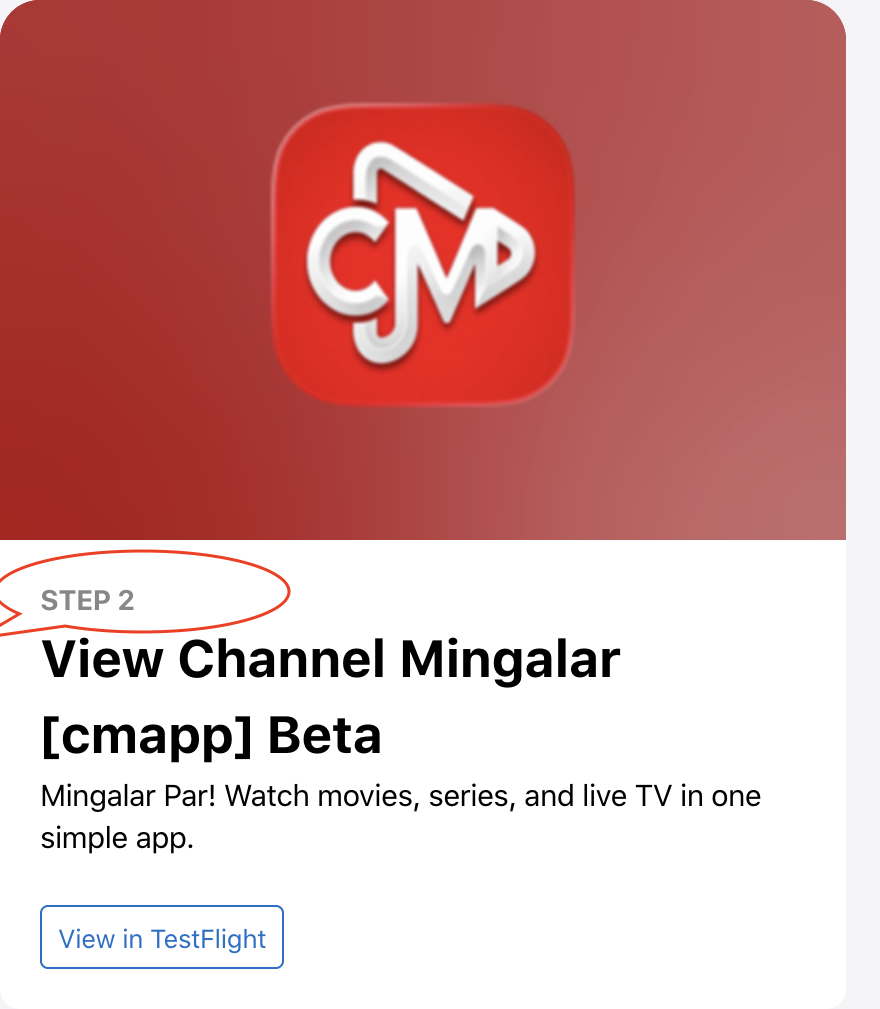
Tap Open TestFlight on this page, choose View in TestFlight, then tap Accept and Install for Channel Mingalar.
ဤစာမျက်နှာရှိ Open TestFlight ကို နှိပ်ပြီး View in TestFlight ကို ရွေးပါ။ ထို့နောက် Channel Mingalar အတွက် Accept နှင့် Install ကို နှိပ်ပါ။
3 Enjoy it
After installation, tap Open in TestFlight or open Channel Mingalar from your iPhone or iPad home screen.
Install ပြီးပါက TestFlight ထဲမှ Open ကို နှိပ်ပါ၊ သို့မဟုတ် iPhone / iPad home screen မှ Channel Mingalar ကို ဖွင့်ပါ။